
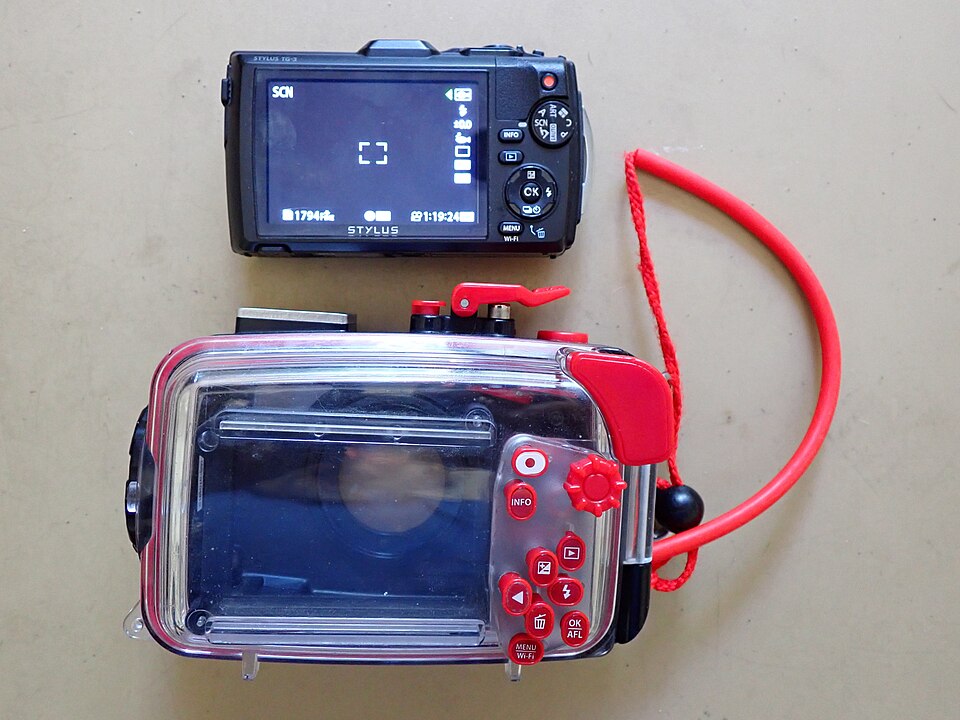
Two underwater viewing accessories can both have lenses and dioptric adjustment while serving different camera displays. Before comparing magnification, establish whether you compose on the rear LCD or through the camera’s viewfinder. The accessory must serve the display you actually intend to use through the housing.
Identify what is being magnified
Nauticam’s LCD Magnifier 25106 is described as an underwater optic for viewing the camera’s LCD, with a rubber sunshade and dioptric adjustment. Its listing explicitly requires attachment rails appropriate to the housing. The rails therefore belong in the purchase, rather than being assumed from the magnifier’s appearance.
The Full Frame Straight Viewfinder 32211 instead enlarges the camera’s viewfinder image. Nauticam distinguishes 1:1 and 0.8:1 versions and describes different image-field considerations for large electronic viewfinders. The listing also notes that certain mirrorless housings require an adapter. These are two documented viewing paths, not two universal accessories for the same rear window.
Write a viewing-specific parts list
Record the camera model, the housing code and the display you use. For an LCD magnifier, request the matching rail code and confirmation of how it sits over the rear window. For a viewfinder accessory, request the supported housing connection, any required collar or replacement window, and the exact version appropriate to the camera.
Ask whether you can see the full image and the information you need, including its corners and edge data. A larger apparent image is not automatically the preferred result if relevant information falls outside your comfortable view. Manufacturer magnification descriptions do not establish the view every wearer will experience through a particular mask.
Check the viewing task before changing the enclosure
For a suitable dry demonstration, ask to see composition, focus information and playback through the proposed combination. Confirm how the camera selects the intended display using its own instructions. Seeing a menu on land does not establish that an incompatible housing window or accessory can be adapted to it.
Keep dioptric adjustment distinct from a prescription-mask purchase or personal eye-care advice. It is an accessory feature within its documented range, not a promise to correct every viewing difficulty. Follow the manufacturer’s fitting and service route for any housing modification; this guide gives no window-removal or seal procedure.
Request the missing viewing interface
Ask TRIMIX about actual viewing-accessory availability with the camera and housing codes. State whether you mean the rear LCD or the camera viewfinder and include any rail or collar reference. No current TRIMIX listing, universal fit or demonstrated image improvement is established, and the inquiry creates no order.
Evergreen equipment guide checked November 5, 2026. Neither linked product page displays a publication date. Product descriptions are manufacturer documentation, not TRIMIX hands-on tests, stock confirmations or guarantees of personal suitability.
Join the discussion
Share a question or a useful experience about this article. Every comment is reviewed before it appears.