
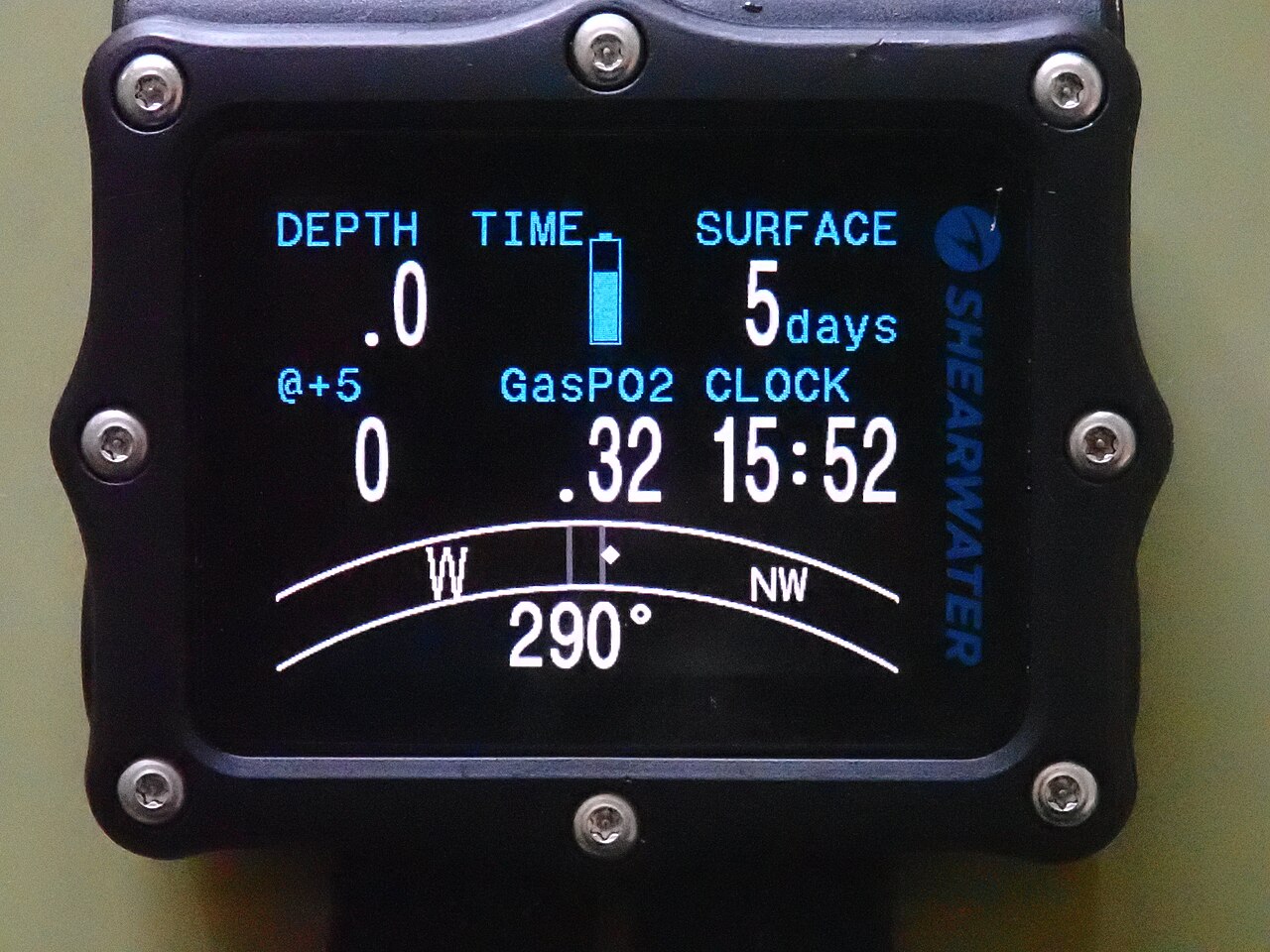
A larger dive-computer screen is easy to advertise. A screen that presents the information you need in a comfortable arrangement takes a closer look. Shearwater’s Perdix 3 offers a useful example for anyone comparing full-size computers this autumn.
The device appeared in Scuba Diving’s October 1, 2026 gear roundup. That is a recent editorial mention, not its launch date. We checked the manufacturer’s current product and support pages for the details below; we have not tested its underwater readability.
What the manufacturer actually offers
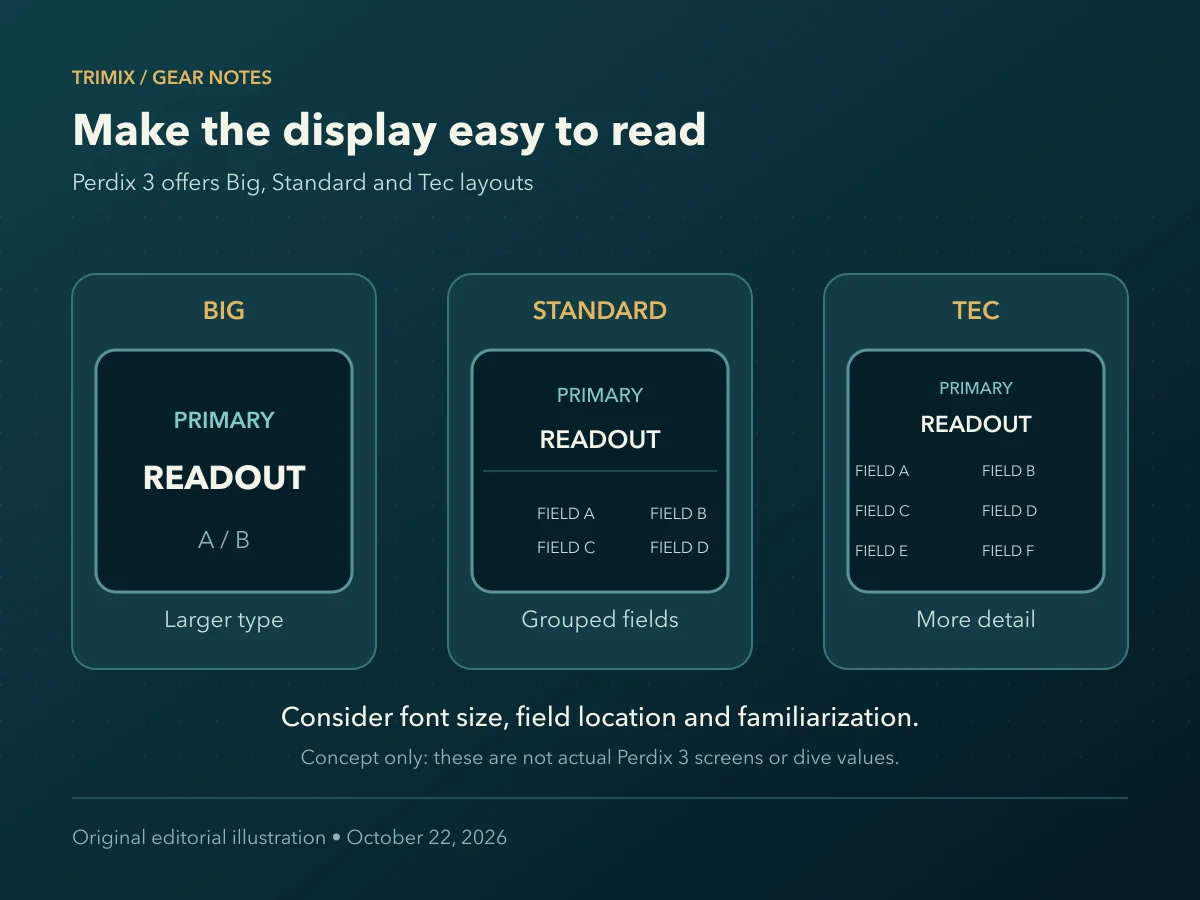
Shearwater lists a 2.4-inch AMOLED display, configurable information zones and three layouts: Big, Standard and Tec. Big prioritizes larger fonts. The company also lists three saved Setting Sets and air integration with up to four Shearwater transmitters. These are manufacturer specifications, and transmitters are part of the wider equipment decision rather than something to assume comes in every package. See the official Perdix 3 product page.
Start with a reading task
When viewing a demonstration, choose one information task at a time. Ask the demonstrator to show where a particular field appears, how its label is distinguished from its value and what happens when another layout is selected. Do this with the arrangement you would actually use, rather than only the promotional screen.
Consider viewing distance, your usual mask and any vision correction you use. A larger font can be valuable, but the arrangement also matters: a clearly grouped screen may be easier for you to scan than a more crowded one. This is a reason to inspect a real unit with a qualified dealer, not a claim that one layout works best for everybody.
Customization creates a learning task
Make a small paper map of the fields you want to locate and compare it with the manufacturer’s demonstration. Use that to identify questions for familiarization or training. The objective is recognition, not collecting the maximum number of fields on one screen.
Shearwater’s Perdix 3 support page provides manuals and official videos, including a comparison of Big, Standard and Technical layouts. Its documentation also explains a changed Bluetooth pairing process. This matters if you expect the same download routine as an older computer: include the app connection in a topside demonstration.
What an online demonstration cannot settle
A video can show menu structure, font choices and the relationship between fields. Your playback device, brightness and surroundings affect what you see, so it cannot reproduce your own in-water view. Treat it as preparation for questions, rather than a measured visibility comparison.
Ask for the exact package contents and a suitable introduction to operation. Screen customization does not replace dive training, and this article recommends no decompression settings. The useful purchasing outcome is a display you understand and can evaluate in context.
Contact TRIMIX about the documentation for a currently listed dive product, with its exact model name.
Sources checked October 22, 2026. The October 1 roundup establishes recent discussion; Shearwater’s product and support pages are undated. Specifications are attributed to Shearwater, with no firsthand testing.
Watch the official video
Video: Shearwater Research Inc.. Official Shearwater demonstration of Big, Standard and Technical layouts. A video shows the interface; it does not reproduce your own underwater viewing conditions. Official source · Watch on YouTube
Loading a video connects to YouTube. Videos do not load or play automatically.
Join the discussion
Share a question or a useful experience about this article. Every comment is reviewed before it appears.