
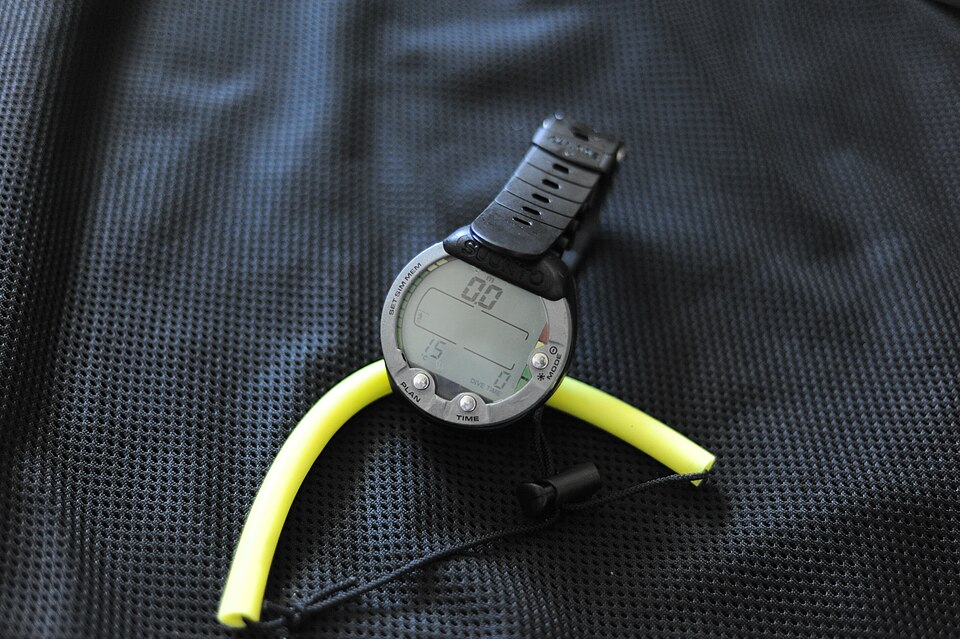
“I can move the computer into a different housing later” is an assumption worth checking before purchase. For Cressi’s Da Vinci, the manufacturer gives a clear answer: the wrist and console versions are separate products. They are not interchangeable.
The computer featured in October 6, 2026 equipment coverage. Rather than repeating a list of display features, this guide addresses a practical buying decision that can be hidden by a shared product name.
The housing is part of the choice
In its official Da Vinci FAQ, Cressi America says the wrist model has an integrated housing designed for its strap system. The console version is designed for its console boot. Cressi explicitly states that the console module cannot become a wrist computer, and the wrist version cannot be installed in a console boot.
This is a physical product distinction, rather than a software preference. Do not treat a future strap or boot purchase as an established conversion path. If the format you want changes, ask an authorized Cressi dealer what complete product and arrangement are appropriate.
For a comparison sheet, give the format its own line beside the model name. A photograph, a price and the words “Da Vinci” are not enough to identify the full item. Record the supplied mounting arrangement and the exact manufacturer’s reference before comparing offers.
Use the document for that configuration
Cressi’s manuals and software library separates Da Vinci material under Computers and Consoles. The library includes a downloadable English user manual in the computer section and quick-reference material in the relevant sections. Start from that official index rather than relying on an unattributed file found through a search.
Matching the document to the item is a useful check even when two products share functions. Ask which manual accompanies the exact product being offered. Save the source link and check for revisions when preparing to use the equipment. A quick-reference guide is useful for orientation, but it should not become a substitute for the complete instructions and appropriate training.
Evaluate placement with the rest of your equipment
Before committing to a format, discuss how you intend to wear or carry it with your instructor or equipment professional. Explain your existing setup and ask to see the proposed arrangement. That conversation is more useful than choosing a housing solely because it looks tidier in a catalogue image.
Our emerging diving technology checklist applies the same method to a broader range of devices: identify the precise hardware, then examine the relevant documentation and the role it will fill. Shared branding does not answer every configuration question.
Dates and scope: Recent coverage published October 6, 2026. Undated Cressi product FAQ and official document library checked October 24. This is a current buying guide, not a first-launch announcement or a TRIMIX test of either format.
Join the discussion
Share a question or a useful experience about this article. Every comment is reviewed before it appears.