
A dive computer, its phone app and its online account are related parts of an ownership routine, but they are not the same thing. Before a trip, build an exact-model checklist so that an app notification does not become an assumption about what is installed on the computer you will actually use.
Identify the device and the instruction set
Record the full model name, the software version reported by that device, the app name and the manual revision you consulted. Do not publish a serial number or account details in a public comment. A retailer’s general description is not a substitute for the manufacturer’s instructions for your hardware. Closely named products may have different connections or support pages.
Compare the documented routes
The Garmin Descent G2 online manual describes software delivery through Garmin Connect after the watch is paired with a compatible phone and a Garmin Connect account. The page identifies manual revision v4, September 2026; that is the instruction-set date, not proof of a newly released firmware version today. This guide does not name a universal current version or provide dive-setting changes.
An app connection is not a complete ownership record
The Shearwater Cloud quickstart guide separately describes connecting to a computer for log downloads and firmware updates, and signing into an account to synchronise logs. That distinction suggests two useful checks: can you identify the connected computer, and can you see the intended log/account context? A successful cloud sign-in alone should not be used as evidence that a device update was completed.
Find the exact model’s release notes
Shearwater’s support and downloads page routes users to resources by product. Follow the applicable model resource rather than assuming a firmware file or procedure for one device fits another. When reading release notes, distinguish the computer’s firmware from a mobile or desktop application update. Keep a dated note of what you checked; a screenshot of an app-store listing describes that app, not necessarily the state of connected hardware.
Resolve uncertainties before relying on the setup
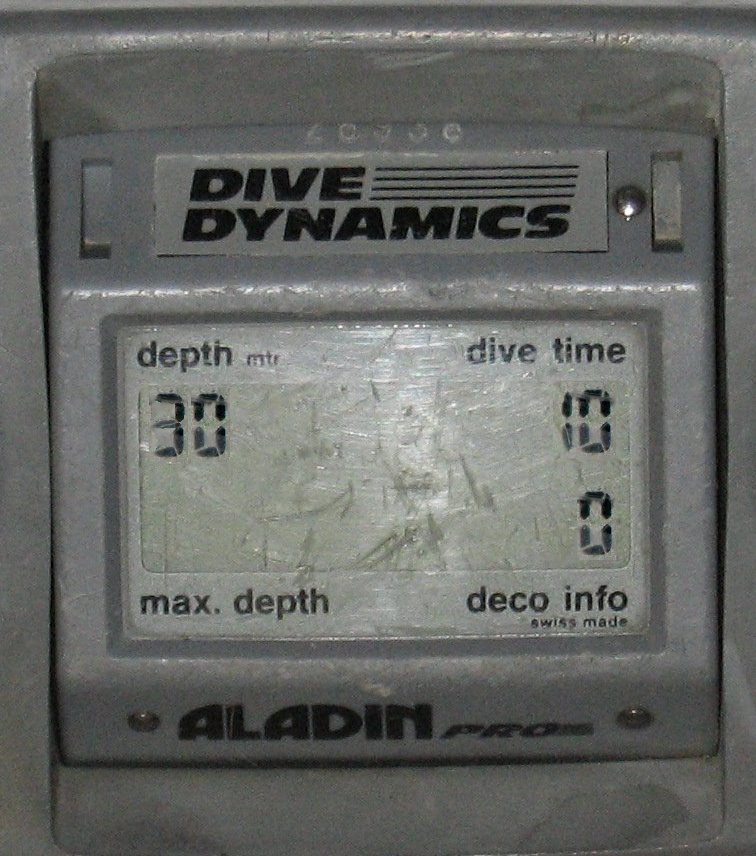
Use the manufacturer’s current procedure and warnings, and ask its support team or a qualified dive professional about anything you do not understand. This article is a documentation checklist, not instructions for changing gases, decompression settings, resetting a device or bypassing an update problem. TRIMIX has not performed these updates as an independent test. The older computer in the photograph is equipment context, not one of the current models discussed.
Ask for the right document in a mixed-brand kit
If your broader setup includes a TRIMIX item, ask TRIMIX for the document for that exact item and identify its model. Keep those documents separate from the computer manufacturer’s software instructions. A kit inquiry does not establish cross-brand electronic compatibility; each link between components needs its own evidence.
Sources and date context
Garmin Descent G2 online manual: updating with Garmin Connect — source date: undated page; any document version month is noted in the text; checked 2026-10-27.
Shearwater: Cloud quickstart guide — source date: undated page; any document version month is noted in the text; checked 2026-10-27.
Shearwater: model-specific support and downloads — source date: undated page; any document version month is noted in the text; checked 2026-10-27.
TRIMIX Sports. This is an evergreen equipment guide checked on October 27, 2026, not a new-product announcement. TRIMIX has not independently tested the products discussed.
Join the discussion
Share a question or a useful experience about this article. Every comment is reviewed before it appears.