
A swimming-headphone listing can advertise Bluetooth, an app and built-in storage on the same page. Before comparing those features, trace the audio you actually intend to use from its lawful source to underwater playback. A familiar app logo does not answer whether the device can play that audio while swimming.
Identify the underwater playback mode
Shokz’s OpenSwim Pro documentation identifies separate Bluetooth and MP3 modes and says underwater use is limited to MP3 mode because water disrupts Bluetooth signals. This is a manufacturer requirement for the named model, not evidence that a phone on the poolside will provide uninterrupted underwater streaming.
When comparing candidates, give underwater playback its own row. Ask whether the device uses files stored locally, which mode is required and which instructions apply. Do not let a specification for land use silently become a swimming feature.
Check the entire file-transfer route
The product record lists supported audio formats and describes transferring files from a computer through its magnetic charging/data cable. The official user guide is the model-specific reference. Treat app controls, audio transfer and charging as separate functions; the presence of a phone app does not establish that it imports music.
Before purchase, identify a legally usable audio file you already have permission to copy. Check its actual file format against the current supported list and establish which computer and cable the transfer requires. An item shown inside a subscription app is not, by itself, proof of an available compatible file or permission to copy it.
Compare a complete ownership package
Record the exact headphone model, playback mode, accepted file formats, transfer method, supplied cable and relevant care instructions. Ask about a replacement charging/data cable for that specific model. A connector that looks similar does not establish electrical compatibility or file-transfer capability.
Keep storage and battery claims in their stated operating mode and conditions. A specification should remain a manufacturer claim until independently evaluated. This article contains no TRIMIX listening, waterproofing or battery test and does not infer performance from a product demonstration photograph.
Confirm the intended session
Ask the pool or coach whether audio equipment is permitted and follow the exact product’s activity limits. Neither an open-ear label nor a waterproof rating establishes that a device is appropriate for scuba, every swimming environment or a particular person’s hearing needs.
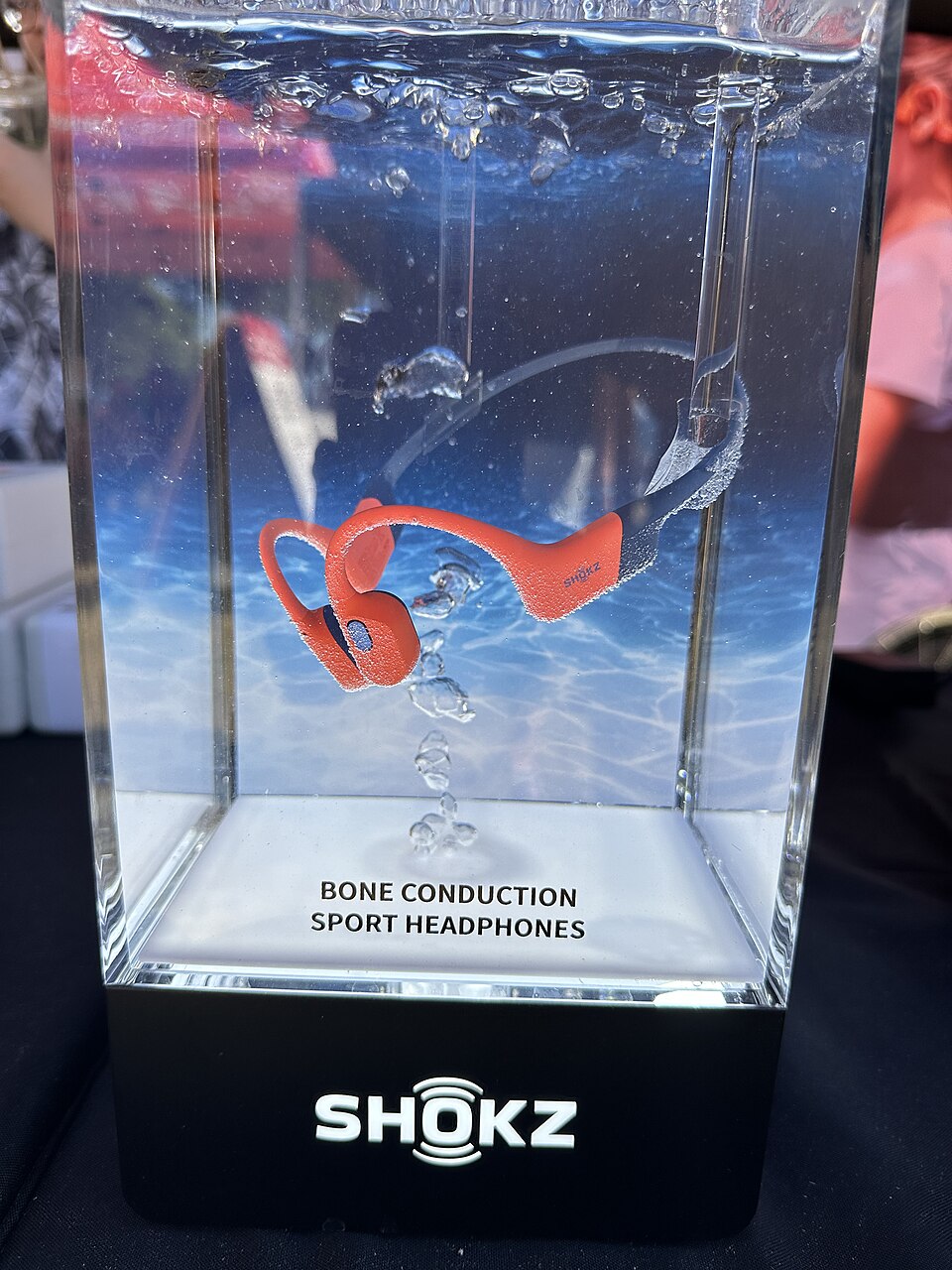
Ask TRIMIX about actual swim-audio availability and documentation with the playback and transfer requirements. TRIMIX stock is not established. The October 2024 photograph shows an OpenSwim Pro display, not a current package inspection, independent underwater trial or endorsement by its photographer.
Sources and verification
Evergreen equipment guide, not a new-product or popularity claim. The cited current product, care and manual records do not state an exact publication day. Checked October 31, 2026.
- Shokz OpenSwim Pro: underwater playback and file-transfer requirements. Publication date: not stated as an exact day. Checked 2026-10-31.
- Shokz OpenSwim Pro official user guide. Publication date: not stated as an exact day. Checked 2026-10-31.
Join the discussion
Share a question or a useful experience about this article. Every comment is reviewed before it appears.