
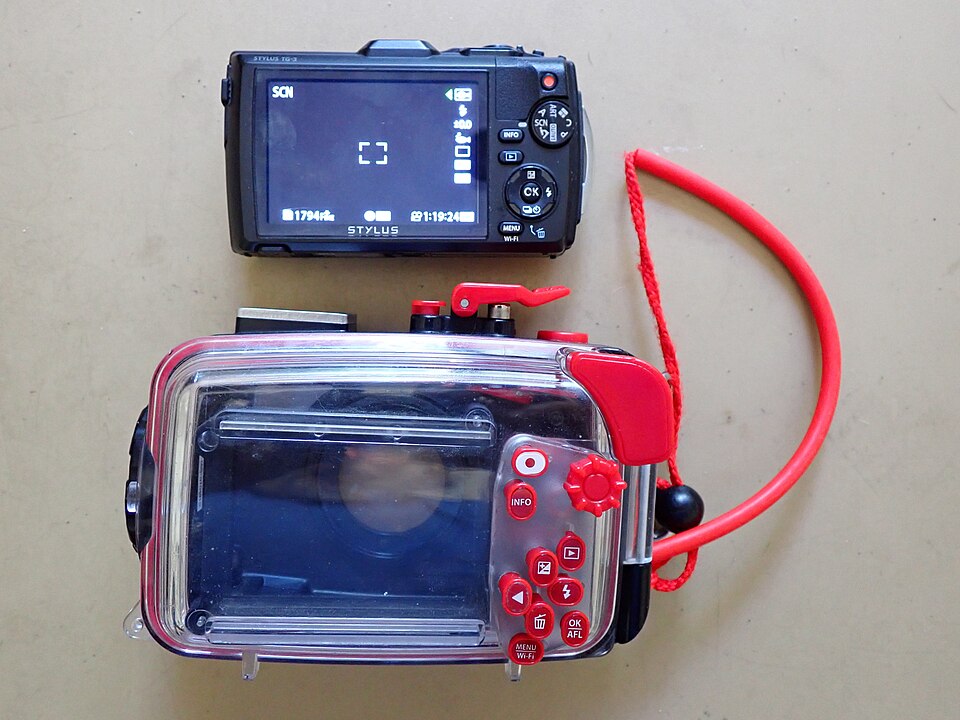
A phone can fit inside an underwater housing while the controls work differently from the phone in your hand on land. Before buying for a snorkeling trip, list the camera tasks you want to perform and find out how the exact housing performs them. A large viewing window does not establish direct touchscreen access.
Identify the control path
SeaLife’s SportDiver Ultra specifications identify the SportDiver app, Bluetooth Low Energy and housing controls for shutter, mode, zoom or focus, playback and camera settings. The specification also qualifies some lens options by phone model. These are documented system features, not a promise that every native phone-camera function is available.
DIVEVOLK’s SeaTouch 6 Pro page describes full-touch operation through its membrane and use of native or third-party apps. That is a different interface claim. TRIMIX has not tested its touch response, and a manufacturer’s broad app statement should not replace checking the particular function you need.
Write a camera-task matrix
| Task | Answer to request |
|---|---|
| Take a photo or start video | Which button, gesture and app perform the action? |
| Change lens or image format | Is the option supported by this phone and current app version? |
| Review a photograph | Which controls navigate playback and return to shooting? |
| Change a setting | Can it be changed while enclosed, or must it be selected beforehand? |
A useful supplier answer names the phone, operating system, housing revision and app where applicable. Save those details with the explanation. A demonstration using another handset or an older app is relevant background, but it does not establish the same function on your configuration.
Request an appropriate demonstration
Ask for the manufacturer’s current instructions and a dry, shore-side demonstration of the documented controls. Do not improvise a closure or underwater test to investigate an unanswered question. Equipment preparation and use must follow the exact housing instructions and the responsible activity provider’s requirements.
Keep fit, sealing instructions and control access as separate checks. Successful button operation does not establish water protection, and a touch-sensitive membrane does not establish cellular communication underwater. No emergency communication reliance or personal depth permission is implied by this comparison.
Ask about a specific camera setup
Consult the TRIMIX inquiry guide and ask about actual housing supply and the camera tasks you need confirmed. Include the phone and housing models. These examples establish neither TRIMIX distribution nor independently verified app compatibility.
Evergreen equipment guide checked November 2, 2026. The linked source pages are undated unless a printed revision is stated above; current availability is not established by this guide. Manufacturer descriptions are documentation examples, not TRIMIX hands-on tests or guarantees of personal suitability.
Join the discussion
Share a question or a useful experience about this article. Every comment is reviewed before it appears.